First Time Logging In to the Community Site
How to log in for the first time, reset your password, and access the Salesforce Community Site.
Overview
To use the Community Site for the first time, you will first receive an email to your MindJam email account.
This email will ask you to reset your password.
Change Password Email
Look out for the password reset email in your MindJam inbox.
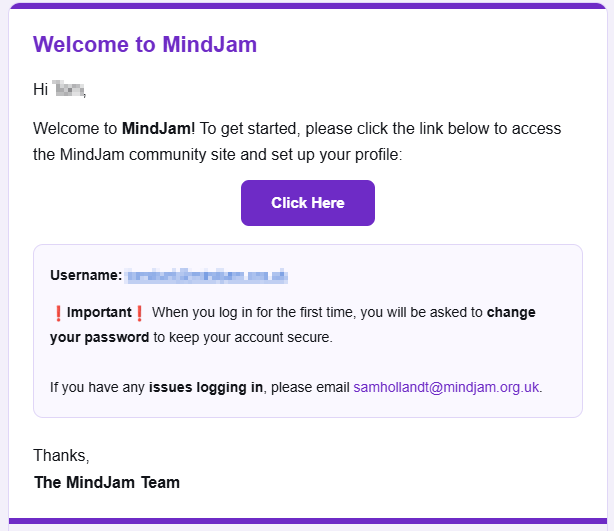
Reset Your Password
After this, you can follow the link to the Community Site .
You may be asked to set or reset your password again as part of the login process.
When creating your password, we recommend using:
- a mix of letters and numbers
- special characters where possible
- use a password you do not use anywhere else
If you use a password manager, it is also recommended to save your password there.
Log In to the Community Site
Once this is done, you can log in to the Community Site.
It is also recommended to bookmark the Community Site URL, as this is the link you will use to access it going forward.
Bookmark This URL
https://mindjam.my.site.com/Portal